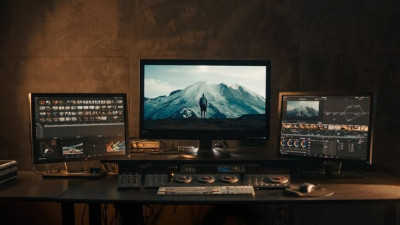
Video Editing & Post-Production
Editing techniques, transitions, and export settings for polished final videos.
English
Last updated
Tue, 22-Sep-2026
Editing techniques, transitions, and export settings for polished final videos.
English
Last updated
Tue, 22-Sep-2026
Covers the post-production workflow from raw footage to finished video. Learners work through cutting and sequencing, color correction and grading, audio syncing and cleanup, transitions, text and graphics overlays, and export settings for different platforms. Focus on tools like Adobe Premiere Pro and CapCut. Includes tips on pacing and storytelling through the edit, plus optimizing exports for YouTube, Instagram, and TikTok.