Compare with 1 courses
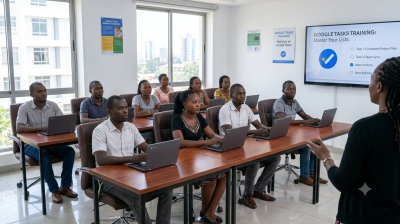
Google Tasks: Getting Things Done

Google Tasks: Getting Things Done

Learn how to use Google Tasks to organize, prioritize, and manage personal and professional tasks efficiently. This course introduces the core features of Google Tasks and demonstrates how to create task lists, set deadlines, organize projects, and integrate tasks with other Google Workspace applications.

Has discount
Expiry period 2 Months
Made in English
Last updated at Fri Jul 2026
Level
Beginner
Total lectures 15
Total quizzes 1
Total duration 00:00:00 Hours
Total enrolment 2
Number of reviews 0
Avg rating
Short description Learn how to use Google Tasks to organize, prioritize, and manage personal and professional tasks efficiently. This course introduces the core features of Google Tasks and demonstrates how to create task lists, set deadlines, organize projects, and integrate tasks with other Google Workspace applications.
Outcomes
  • Navigate the Google Tasks interface confidently
  • Create, edit, organize, and manage tasks and task lists.
  • Set due dates and recurring tasks.
  • Prioritize work using task structures and subtasks.
  • Integrate Google Tasks with Gmail and Google Calendar.
  • Track task progress and improve productivity.
  • Apply task management best practices in daily workflows.
Requirements
  • Computer, laptop, or tablet with internet access.
  • Modern web browser (Microsoft Edge, Google Chrome, Firefox, or Safari).
  • Active Google account
  • Access to Google Workspace applications (Google Tasks, Gmail, and Google Calendar)
  • Microsoft Teams installed or access to Teams via web browser
  • Webcam and microphone (recommended for participation)
  • Stable internet connection (minimum 5 Mbps recommended)