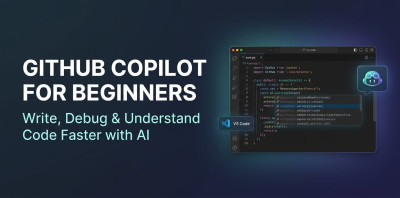
GitHub Copilot is an AI pair programmer built directly into your code editor that suggests lines of code, entire functions, and helpful explanations in real time as you type. Designed specifically for beginners, students, and junior developers, this course gives you a clear, practical guide to setting up and mastering GitHub Copilot in Visual Studio Code.Instead of spending hours stuck on syntax errors or repetitive boilerplate code, you will learn how to work alongside GitHub Copilot to write cleaner code, understand unfamiliar programs, and troubleshoot bugs faster. Every lesson focuses on hands-on GitHub Copilot features from inline autocomplete suggestions to interactive GitHub Copilot Chat workflows explained in plain, beginner-friendly language.
What will i learn?
Set up GitHub Copilot in VS Code
Generate code from plain-English comments
Review and secure AI-generated code
Requirements
Basic Programming Familiarity
Visual Studio Code (Free)
Free GitHub Account
Frequently asked question
No. Basic familiarity with writing simple code (such as variables, loops, or basic HTML/Python/JavaScript) is helpful, but all GitHub Copilot features are explained step by step from the ground up.
No. You can complete this entire course using GitHub Copilot Free (available with a standard GitHub account) or free access via the GitHub Student Developer Pack if you are a verified student.